

Get to press faster with complete accuracy and control
In regulated print, accuracy is operational risk. From packaging and labels to direct mail and pharma inserts, Aproove gives print teams one system to manage complex, multi-stakeholder approvals on production files, with color fidelity and audit.

Trusted by leading companies across regulated industries









What print and production teams gain
When proofing is built around print-grade rendering and a workflow engine designed for regulated approvals, teams catch issues earlier and ship cleaner work.

First-time-right approvals at scale
Every proof is rendered in the same color space and on the same page geometry it will print on. What gets approved on screen is what comes off the press.

Compliance built into production workflows
Mandatory steps, signatures, two-factor authentication, and audit logging operate inside the workflow itself, not after it.

Faster cycles from proof to press
Parallel reviews, automated decision-driven routing, and pixel-level change detection eliminate guesswork between rounds.

Complete visibility across every job
Track status, ownership, and approvals in real time across every stage of production.



Where print workflows break down
Regulated print operates at the intersection of speed, accuracy, and compliance. Teams produce high volumes of content under tight deadlines while meeting strict regulatory and brand standards.
Each job involves multiple stakeholders: designers, prepress operators, compliance reviewers, brand managers, and external clients. Files move between systems and formats, and approvals move between people whose interests, deadlines, and visibility requirements rarely align.
Most proofing platforms were not built with print or regulated review in mind. They flatten files for the browser, render PDFs through open-source libraries that disagree with Acrobat, ignore the color space the file will actually print in, and treat approvals as a linear queue rather than a real decision process. Small errors (a missed disclaimer, a shifted Pantone, a wrong dieline, a font substitution) lead to costly reprints, compliance violations, and reputational damage. Stakeholder coordination breaks down: reviewers disagree without a defined resolution path, exceptions force the workflow to be rebuilt mid-flight, and confidential markup leaks to audiences who should not see it.
Despite the critical nature of the work, most proofing workflows are not built with print production workflow software. They’re held together by manual processes that do not scale with volume or complexity.
Generic proofing tools were not designed for print or for regulated approvals
The issue is not lack of expertise. It is that the tooling was built for documents and linear sign-off, not production files and multi-stakeholder decisions.
Files are rasterized through open-source libraries that do not match what designers see in Acrobat or InDesign. Color is rendered in sRGB only, with no ICC pipeline, no spot color awareness, and no press simulation. Reviewers cannot inspect separations, measure elements, or scan barcodes directly in the proof. Page geometry (bleed, trim, crop) is treated as decoration, so issues at the edge of the artwork are missed.
On the workflow side, approvals are modeled as linear queues. There is no concept of routing differently based on what a reviewer decides, no native handling for conflicting decisions among parallel reviewers, no controlled visibility between audiences (prepress vs client vs legal), and no clean way to handle exceptions without rebuilding the running workflow. Compliance checks are bolted on rather than embedded, so the audit trail is reconstructed after the fact instead of captured as the work happens.
The result is delays on press, increased rework, conflicting feedback, and uncertainty about what version is actually approved. In regulated environments, even small inefficiencies compound into operational and financial risk.
Print-grade rendering and decision-driven workflow, in a single platform
Aproove brings the entire print approval process into one structured system, built on the same rendering technology and color science your prepress team already trusts, with a workflow engine designed for the realities of multi-stakeholder regulated approvals.
Print-grade rendering and inspection
Genuine Adobe rendering, not an approximation. Aproove renders every proof using the Adobe PDF Library (APDFL), the same Adobe technology that powers Acrobat and Adobe's own production tools. We chose APDFL over open-source PDF engines specifically so that what reviewers see in the browser matches what designers see on the desktop and what the press will produce. There is no second engine to disagree with the first.
True color, not just on-screen color. Aproove processes proofs through a full ICC color management pipeline with configurable source, destination, and proofing profiles. Whether the file is CMYK or RGB, you can simulate the actual press condition (GRACoL Coated, US Web Coated SWOP, IsoCoated, a publisher's specific press profile, or any custom ICC) and choose the rendering intent (absolute colorimetric, relative colorimetric, perceptual, or saturation). Aproove ignores the file's internal rendering hints and uses the configured ICC profiles for deterministic, repeatable simulation. Out-of-gamut warnings flag any color that will not reproduce on the destination.
Built for packaging. For packaging artwork with Pantone inks, dielines, varnish, white, glue areas, folds, and seams, Aproove offers a dedicated CMYK plus Spot rendering mode that preserves spot ink accuracy alongside the structural plates. Dielines and special inks render the way prepress expects them to.
Print-grade inspection at every reviewer's fingertips. With color layer tools enabled, reviewers can isolate any process channel or spot ink in the proof, use an eyedropper to read color values in the project's color space, measure elements with configurable units, and scan barcodes directly inside the proof to validate them. Layer-aware files (PDF, PSD, AutoCAD) can be reviewed layer by layer with blending modes intact.
Page geometry that matches production. Aproove respects the box structure of the file: media, crop, bleed, trim, or a custom box per page. Booklet view shows reader spreads with the correct binding side. Anti-aliasing, deep zoom, and per-job DPI controls let teams inspect at the level the press operates.
Change detection designed for print. Side-by-side compare across any two proofs or versions, with synced zoom and pan. Highlight Differences mode catches changes the eye misses: ghosted view dims unchanged content and brings changes forward, while pixel comparison blinks green where pixels were added and red where pixels were removed, sensitive down to a single pixel. The Text Extraction markup tool returns reviewer edits color-coded (red for deletions, green for insertions) so designers get unambiguous copy direction without rekeying.
Native handling of every file type that hits the press. PDF, PSD, PSB (Adobe Large Document Format), AI and EPS variants, TIFF (including 1-bit), JPEG, PNG, AutoCAD DWG/DXF with layers, HTML5 packages, video, and other production-relevant formats. No conversion to a lowest-common-denominator format. No fidelity loss in the round trip.
Designers stay in their tools. Adobe extensions for InDesign and Photoshop let designers upload new versions and read reviewer notes without leaving their authoring environment.
Decision-driven workflow, not a linear queue
Decisions route the work, not the other way around. Every task in an Aproove workflow has decision buttons that determine what happens next. "Approved" sends the job forward, "Needs rework" returns it to revision, "Escalate to legal" branches off for compliance review, and so on. Workflows can be linear, parallel, branching, conditional, or circular. The same decision in one step can also trigger one of more than 40 automated actions: notify a third-party system, update metadata, generate a report, or even kick off a new project.
Parallel review without ambiguity. Multiple stakeholders can review the same proof at the same time. When their decisions conflict, Aproove routes a conflict task to a designated conflict manager, who can override, extend the deadline, take the decision themselves, or send the work back. The same mechanism handles missed deadlines. Conflict managers can be assigned statically or dynamically based on project metadata, so the right person resolves the right job.
Annotation Flow Management controls what each audience sees. Aproove's Annotation Flow Management (AFM) gives granular control over which user groups can see which notes within a single review step. Prepress markup can stay invisible to external clients until a manager elevates it. Internal compliance commentary can be hidden from designers until ready. Group managers move notes up or down the hierarchy as the review matures. AFM is unique to Aproove and is built specifically for the layered-audience reality of regulated review.
Compliance is embedded, not bolted on. Mandatory metadata fields, electronic signatures, two-factor authentication on tasks, identity enforcement (so a task cannot be forwarded to a different user), and email whitelisting all operate inside the workflow itself. Business-day calendars and holiday schedules drive deadlines correctly. Every action (comments, approvals, decision selections, version changes, timestamps) is captured automatically, producing a complete audit trail without anyone having to reconstruct one.
Built for exceptions. When something happens that the workflow did not anticipate, project managers send Instant Share tasks ad hoc without modifying the running workflow. Team tasks let any qualified group member claim and answer from their to-do list. Tasks, decision labels, and invitations can all be localized for the audience that receives them.
From reactive proofing to controlled production
With Aproove print production workflow software, print teams move from fragmented, reactive workflows to structured, predictable processes.
Proofing stops being a disconnected step and becomes an integrated part of production. Teams stop chasing approvals and start managing them through automated, decision-driven routing. Conflicts get resolved by a defined person rather than by whoever shouts loudest. Version confusion disappears as every change is detected and tracked. Compliance becomes a property of each step rather than a final checkpoint.
The result is a workflow where accuracy, speed, and control work together rather than competing.
In print, errors are expensive
In regulated print, mistakes do not stay digital. They go to press.
A single missed detail can mean reprints, delays, wasted substrate, and compliance exposure. At scale, those risks multiply quickly. A color shift on packaging can mean a rejected shipment. A regulatory misstatement on a pharma insert can mean a product hold. A wrong barcode can mean an entire run pulled from distribution. An unresolved review conflict can mean the wrong version goes to plate.
Aproove reduces these risks by ensuring every piece of content is reviewed in the conditions it will print under, approved by the right people in the right order through clearly defined decisions, and traceable end to end before production begins.
The outcome is not just faster workflows. It is more reliable, more predictable production.
Built for high-volume, high-precision print
AI-powered risk detection
Identify compliance and brand risks before human review.
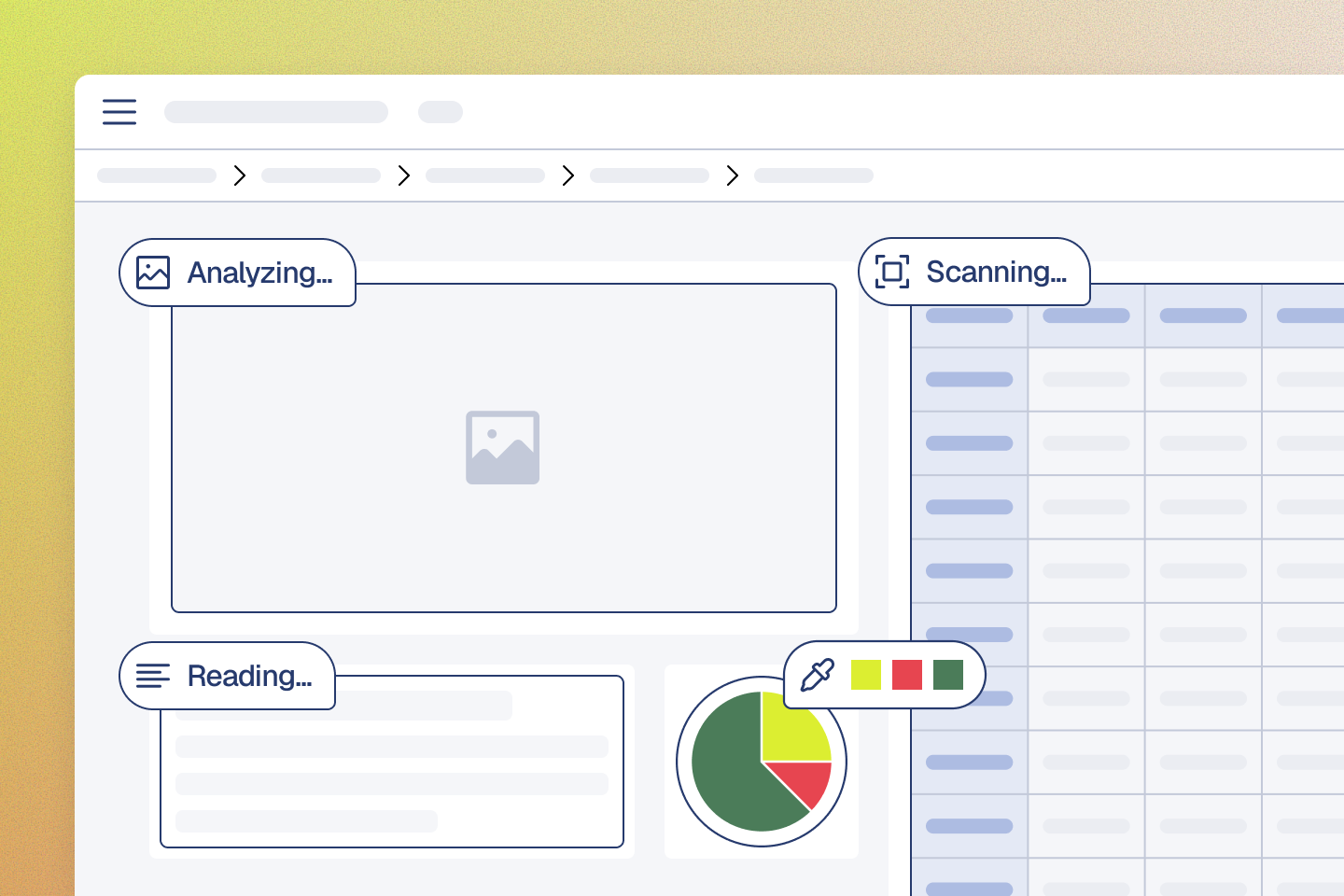
Atomic file breakdown
Break files into pixel-level components for precise review and routing.
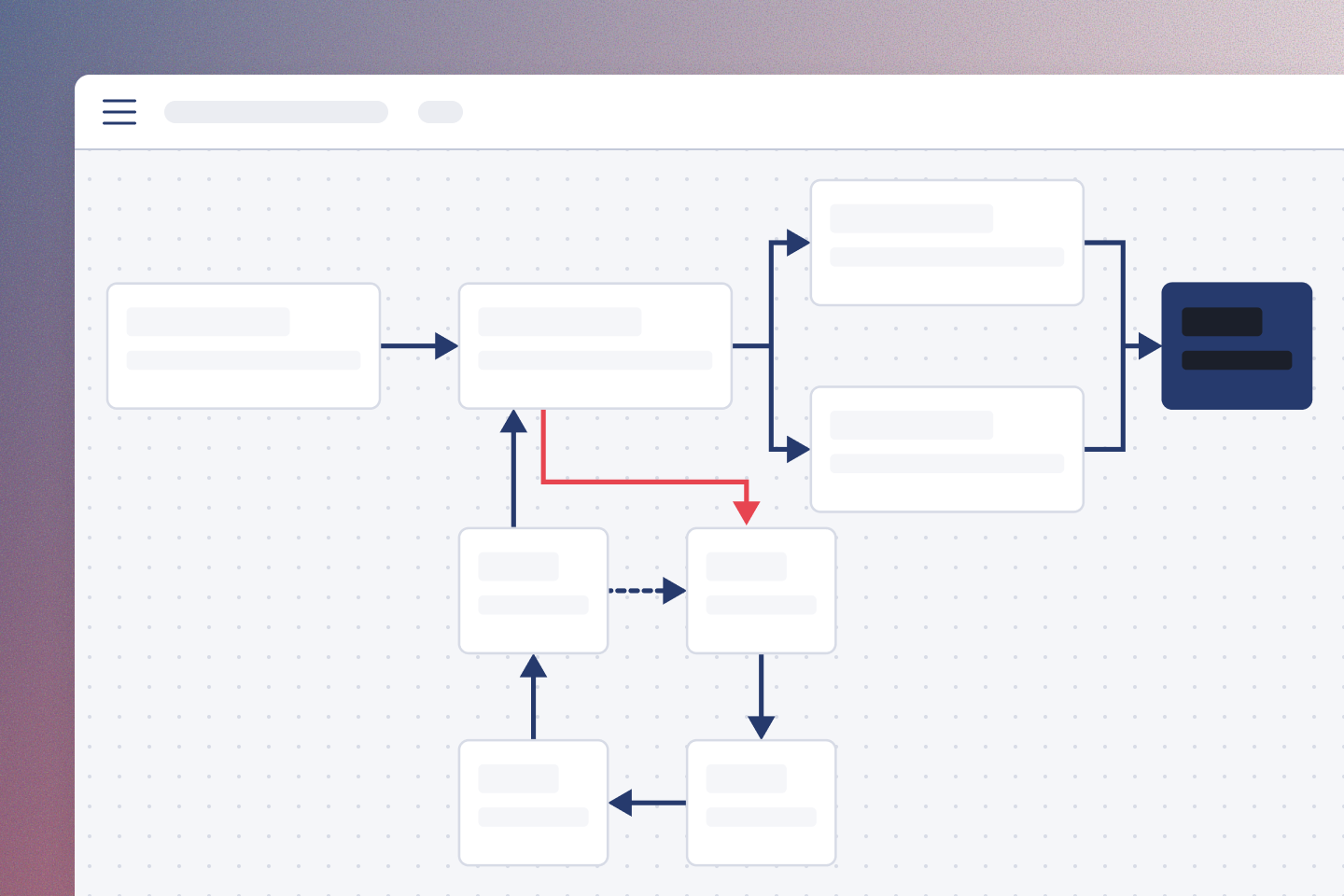
Decision-based workflow routing
Route work based on real decisions, with loops, backtracks, and conditional logic built in.
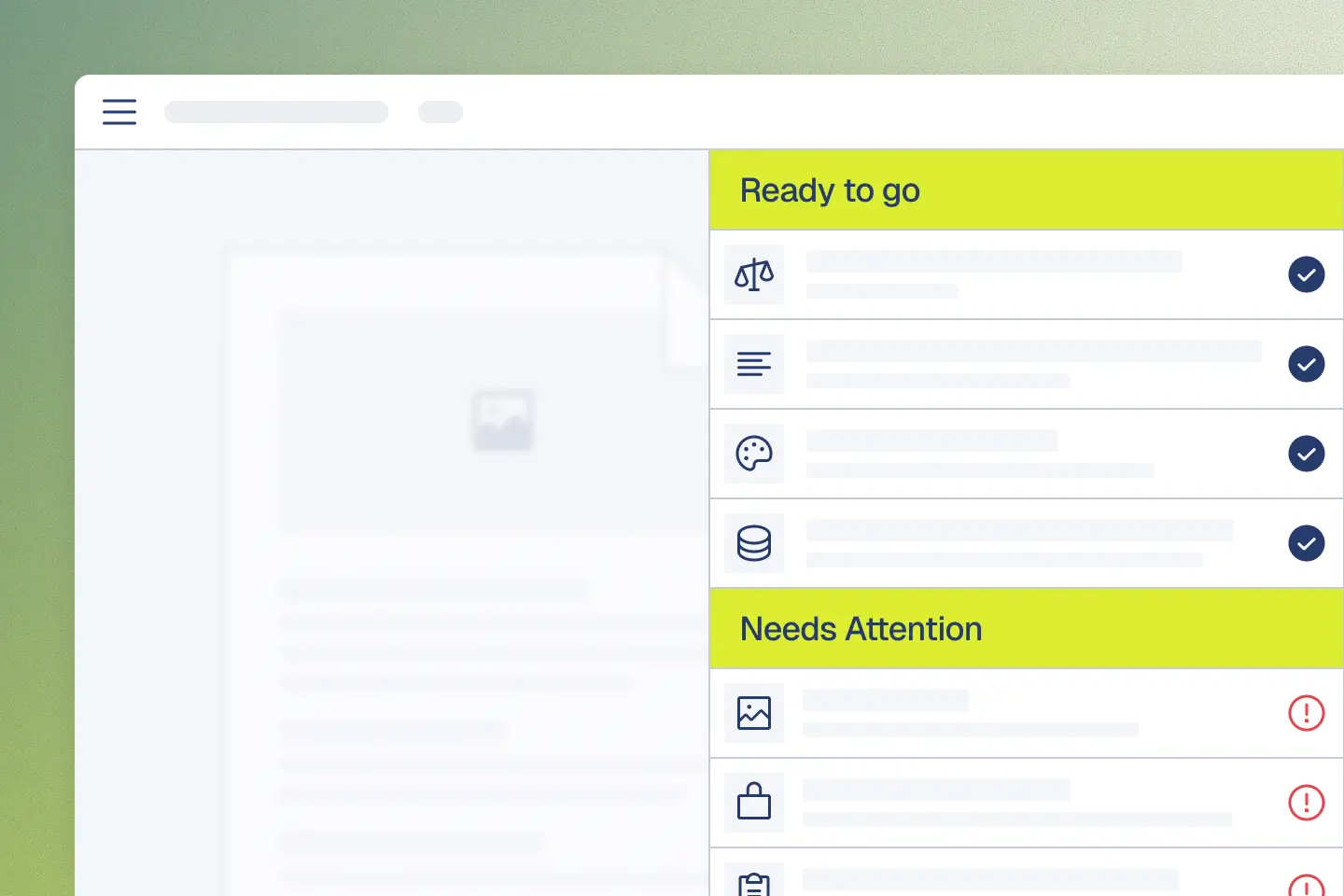
Grade 1 audit readiness
Documentation built for forensic compliance standards.
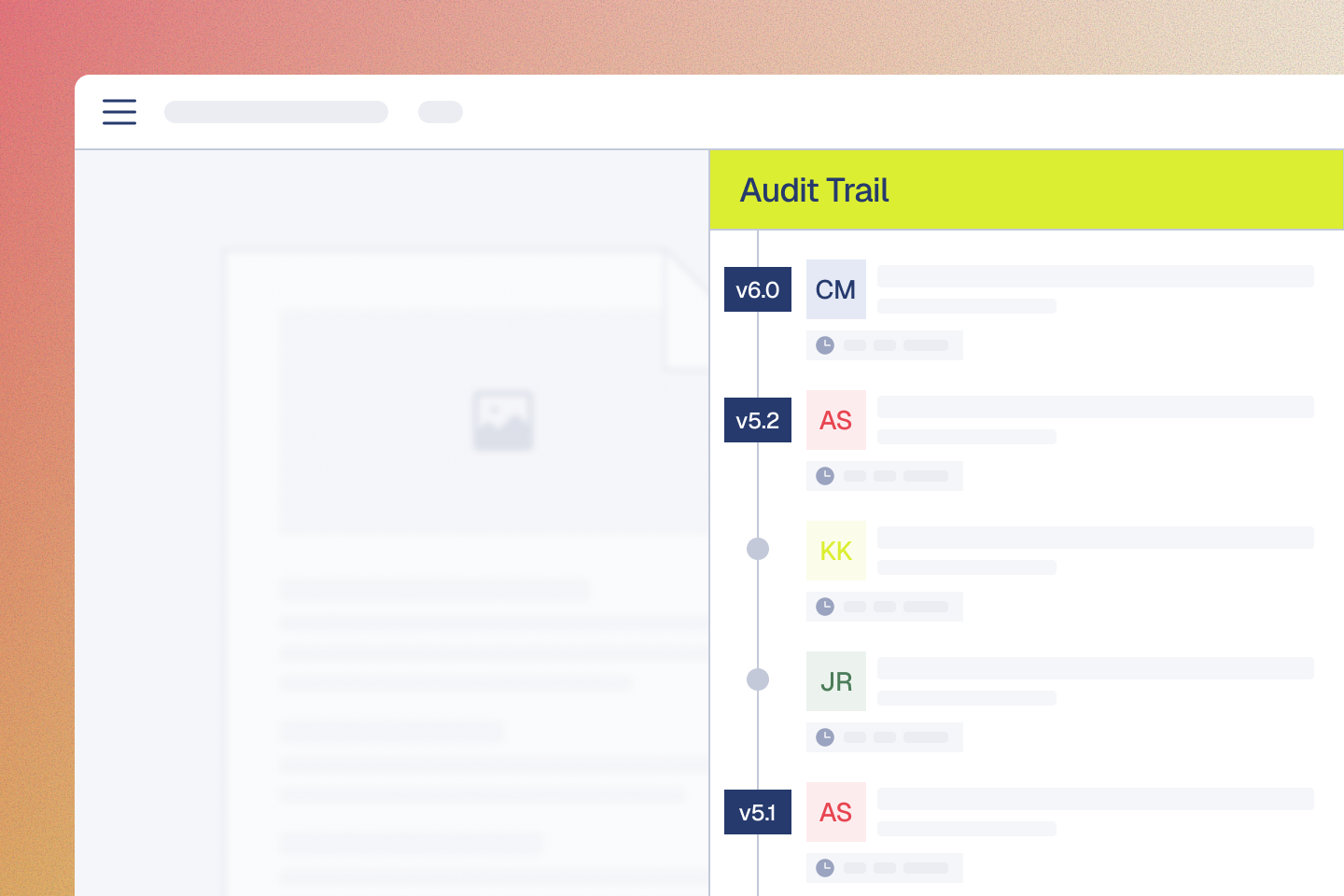
Real-time audit trails
Capture every decision automatically as part of the workflow.
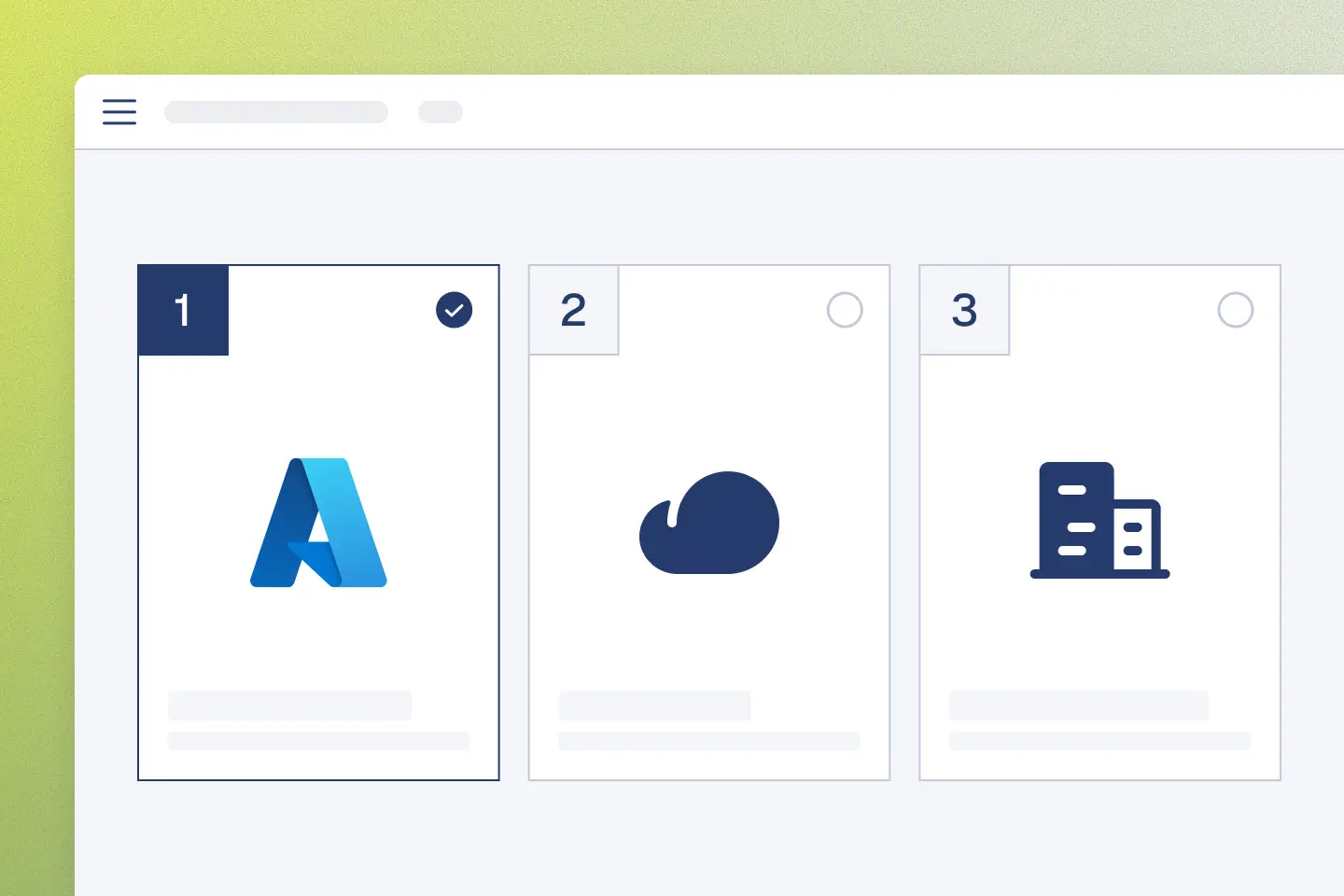
Sovereign Deployment Options
Cloud, self-hosted, or on-premise. Same software, your infrastructure.



See how teams scale on Aproove
Explore how organizations streamline proofing, accelerate approvals, and improve production accuracy.
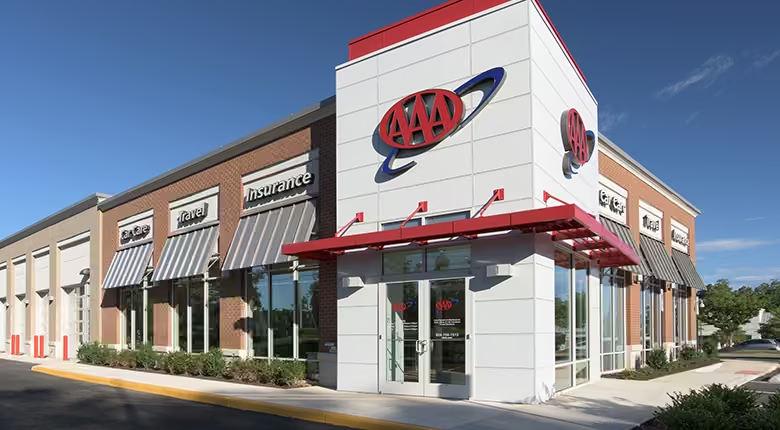

AAA Life Insurance: 15 weeks faster to market
- 63% faster review cycles
- 15 week reduction in launch time


Armani: Advanced form usage
- 4X the number of approved assets
- 90% reduction in creative turnaround times


Trusted by leaders
Used by teams that cannot afford uncertainty in their approval process.
"Implementing Aproove has dramatically reduced errors, increased motivation and satisfaction across the teams and importantly, saved the operation significant hard costs."

“The Aproove team are the best team in the world. I feel like I'm their only customer, they are always there for me.”

"Within a short period, we were able to reduce 25 workflows into a single workflow. The team saw a 15-week reduction in getting new marketing packages from idea to market. More importantly, it ensured that all the packages were compliant with regulatory requirements. All steps, comments, and approval are captured and saved for any audits."

Common questions from print and production teams
Need to reduce errors before they hit the press?
Talk to our team about a proofing platform built on the same Adobe rendering and color science your prepress team already trusts, with the workflow controls regulated print actually requires.
Explore how Aproove adapts across industries
From healthcare and finance to creative production, Aproove supports complex workflows wherever precision and accountability are critical.





Audit-ready at a moment’s notice.
Aproove makes accuracy, speed and scale realistic for regulated content.
